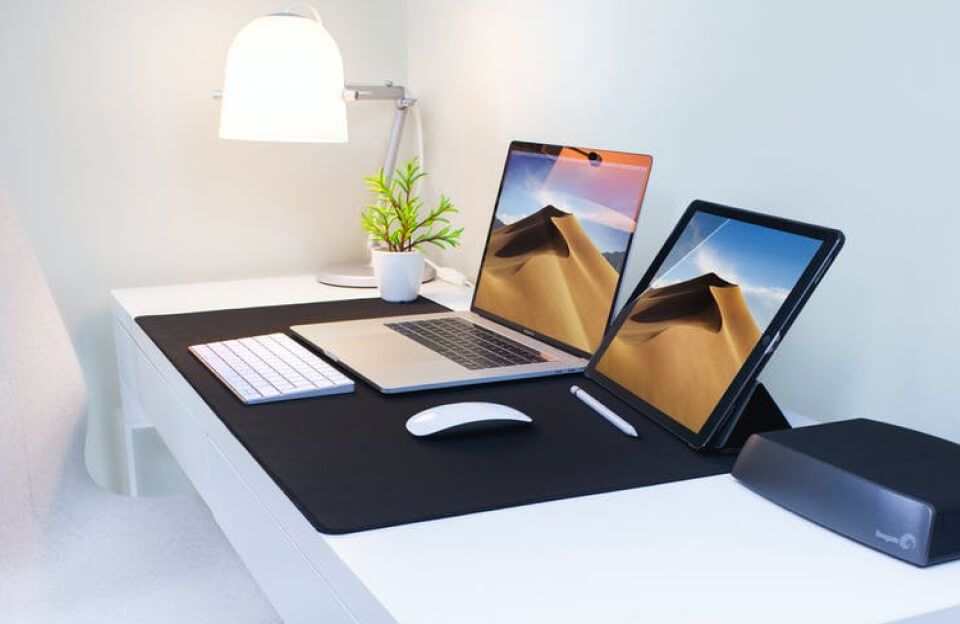
using both macOS and Windows 10 on the same computer offers the best of both worlds.
For many professionals, students, and tech enthusiasts, using both macOS and Windows 10 on the same computer offers the best of both worlds. macOS provides a smooth, creative-focused environment, while Windows 10 supports a wide range of enterprise tools, engineering software, and gaming applications.
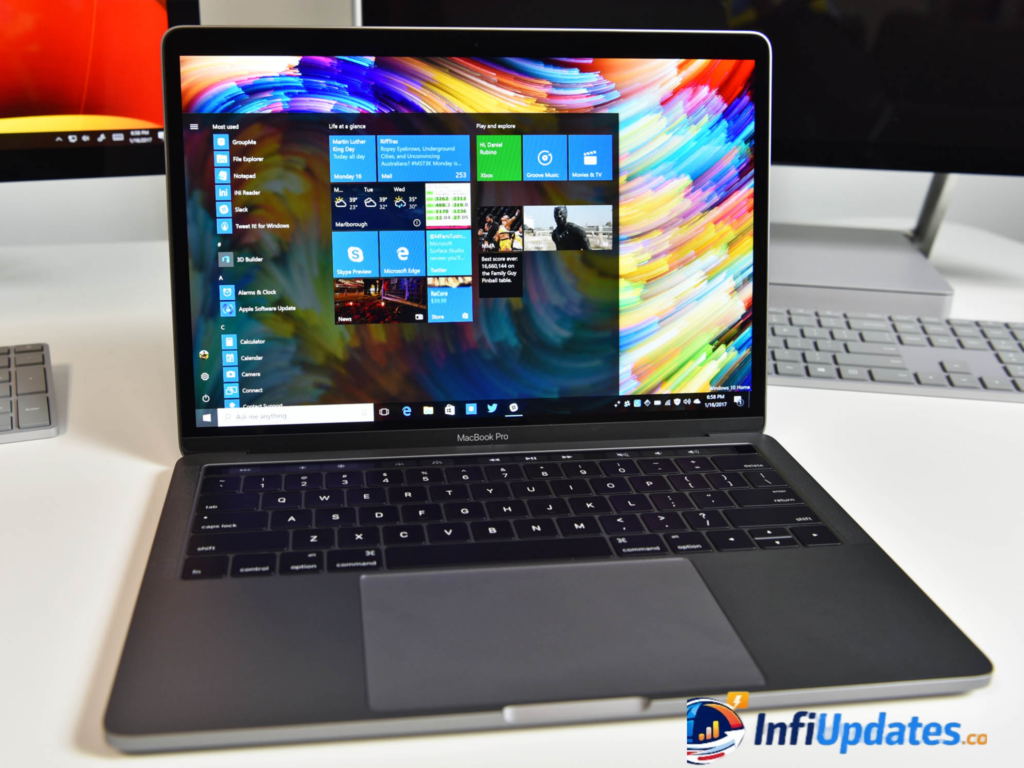
Instead of choosing one operating system over the other, modern hardware and software solutions make it possible to run both on a single machine. This guide explores how it works, the available methods, and what users should consider before setting up a dual-system environment.
macOS advantages:
- Optimized performance on Apple hardware
- Strong creative software ecosystem
- Tight integration with other Apple devices
- Reliable security features
- Windows 10 advantages:
- Broad software compatibility
- Enterprise and business applications
- Engineering and CAD tools
- Extensive gaming support
- By running both systems, users avoid limitations and gain flexibility.
Method 1: Dual Boot with Boot Camp (Intel Macs)
For Intel-based Mac computers, Apple provides a built-in solution called Boot Camp.
Boot Camp allows users to install Windows 10 alongside macOS. When the computer starts, you can choose which operating system to launch.
How It Works:
- Open Boot Camp Assistant in macOS
- Create a Windows partition
- Install Windows 10
- Restart and select your preferred system
Benefits:
- Full hardware performance
- Direct access to system resources
- Ideal for gaming or heavy applications
Limitation:
Available only on Intel-based Macs (not Apple Silicon models)
You must restart the computer to switch systems
Morbi ut viverra massa mattis vitae blandit ut integer non vestibulum eros, diam in in et hac mauris maecenas sed sapien fermentum et eu.
Method 2: Virtual Machines (Run Windows Inside macOS)
Another popular option is virtualization software, which allows Windows 10 to run inside macOS without rebooting.
Common tools include:
- Parallels Desktop
- VMware Fusion
How It Works:
Windows runs as a virtual machine within macOS. You can switch between systems instantly, even running both at the same time.
Benefits:
- No reboot required
- Seamless file sharing
- Convenient multitasking
Considerations:
- Slight performance reduction compared to dual boot
- Requires sufficient RAM and storage
- Best suited for productivity tasks rather than high-end gaming
Apple Silicon Macs: A Different Approach
Newer Macs with Apple’s M-series chips use ARM architecture instead of Intel processors. Traditional Boot Camp is not supported on these devices.
However, virtualization solutions like Parallels Desktop allow ARM-based versions of Windows to run effectively on Apple Silicon machines.
Before installing, users should verify:
- Compatibility of required applications
- Licensing requirements for Windows
- Hardware specifications (RAM and storage)
System Requirements to Consider
Running two operating systems demands sufficient hardware resources.
Recommended specifications:
- At least 16GB RAM for smooth virtualization
- SSD storage for faster performance
- Adequate free disk space (100GB+ for dual setups)
- Updated firmware and drivers
Planning storage partitions carefully ensures both systems function efficiently.
Security and Data Management
When running two operating systems:
- Install antivirus software on Windows
- Keep both systems updated
- Use secure passwords
- Back up data regularly
macOS and Windows have different file systems, but most virtualization tools allow seamless file sharing between environments.
Who Should Use Dual Systems?
Running macOS and Windows 10 on the same computer is especially useful for:
- Developers testing cross-platform applications
- Designers needing Windows-only tools
- Students using institution-specific software
- Business users working with enterprise platforms
- Gamers who prefer Windows performance
It eliminates the need to purchase two separate computers.
Performance Comparison: Dual Boot vs Virtual Machine
| Feature | Dual Boot | Virtual Machine |
|---|---|---|
| Performance | Full native speed | Slightly reduced |
| Switching OS | Requires restart | Instant |
| Gaming | Excellent | Moderate |
| Multitasking | No | Yes |
Choosing between the two depends on your primary use case.
Running macOS and Windows 10 on the same computer offers flexibility, productivity, and convenience. Whether through dual boot using Boot Camp or virtualization with tools like Parallels Desktop, users can tailor their system to meet diverse software needs.
As technology evolves, cross-platform compatibility continues to improve, making it easier than ever to bridge ecosystems without compromise.